

A slow website can frustrate visitors, increase abandoned sessions, and make it harder for potential customers to engage with your business. Our website speed optimization services identify what is slowing your site down and fix performance issues that affect loading speed, user experience, and overall website functionality.
At WevTEC, we provide professional website performance optimization for WordPress and other business websites. From oversized images and render-blocking files to poor caching, slow server response times, unnecessary plugins, and database issues, our team investigates the underlying causes and applies practical improvements.
Core Web Vitals Optimization | Faster Loading | WordPress Performance Support | Nationwide Service
Improve key page experience metrics, including LCP, CLS, and INP.
Reduce unnecessary delays that keep pages, images, and important content from loading efficiently.
Identify the technical issues affecting your website before making changes.
Houston-based website experts serving businesses throughout the United States.
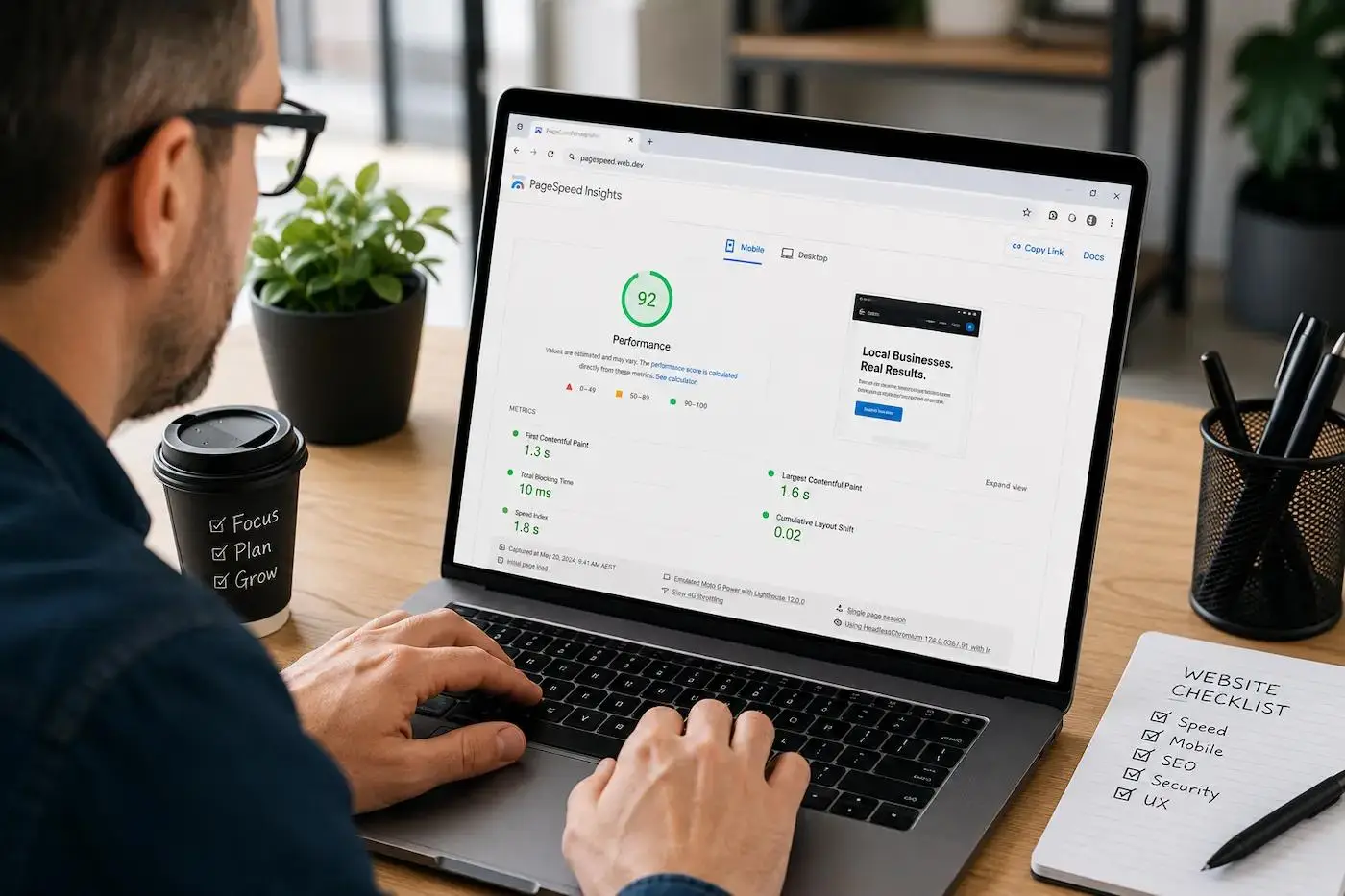
Website repair & SEO recovery experience
Repaired across multiple industries
Emergency help — call or text anytime
Houston-based, serving clients nationwide
Your website often provides a customer’s first interaction with your business. If pages take too long to load, visitors may leave before seeing your services, products, contact information, or other important content.
Speed also affects how efficiently users can move through your website. A slow page can make browsing feel difficult, particularly on mobile devices or slower connections. Problems such as delayed images, unresponsive buttons, shifting layouts, and slow page rendering can create a poor experience even when your content itself is strong.
Professional website speed optimization focuses on finding the technical reasons behind these problems instead of applying random fixes.
We examine factors such as:
The goal is not simply to chase a score. Our website performance optimization process focuses on making practical improvements that help your site load and respond more efficiently for real users.
We can review your website, identify the most likely performance bottlenecks, and explain what should be fixed first.
Call 832-266-7209 for Website Speed Support
We start by reviewing your site and identifying the problems — whether it’s SEO, loading speed, DNS errors, or broken features.
We schedule a live session (via phone, Zoom, or Google Meet) to walk you through the issues and explain what needs fixing.
Before making any changes, we take a complete backup of your site to ensure your data is protected.
Most issues are resolved within 1–3 business days. We fix, test, and verify every change for full functionality.
After the job is done, we offer guidance, reports, and optional ongoing support to keep your site running strong.
There is no single fix for every slow website. A problem caused by poor hosting requires a different solution than one caused by oversized images, excessive plugins, or a poorly optimized theme.
That is why we begin by reviewing your website’s current performance and technical setup. We look beyond a single test score to understand how different parts of the site affect loading and responsiveness.
Our review may include:
We check how quickly important page elements begin loading and whether unnecessary files or scripts are delaying the page.
Large image files, improperly sized media, and inefficient loading behavior can add significant weight to a page. We identify opportunities to compress, resize, convert, or improve the way media loads.
Excessive, unused, or render-blocking code can delay page rendering. We review opportunities to reduce, defer, delay, or otherwise optimize these resources safely.
A properly configured caching system can reduce repeated work and help pages respond more efficiently. We also investigate server-related factors that may be contributing to slow performance.
Plugins and themes can add valuable functionality, but unnecessary, outdated, conflicting, or resource-heavy components may affect performance. We identify potential issues before recommending changes.
Over time, WordPress databases can accumulate unnecessary data and inefficient queries. Where appropriate, we review backend performance and database-related issues that may be affecting website responsiveness.
Our website speed optimization services are designed to address the technical areas that commonly contribute to slow loading and poor website performance.
Depending on your website’s needs, our work may include:
Every website is different. Some sites need a few targeted fixes, while others require a broader slow website repair process involving the server, code, WordPress configuration, plugins, and content assets.
We focus on changes that are appropriate for your website rather than applying the same optimization checklist to every project.
Find out what is actually slowing down your website before spending money on unnecessary changes.

Getting your WordPress website repaired is quick and hassle-free. Simply call us at 832-266-7209, or submit your contact information — and we’ll get back to you promptly.
Once we connect, we’ll schedule a live website review with you, either by phone, Zoom, or Google Meet (whichever works best). During this session, we’ll:
Review your website in real-time
Identify and explain the issues you’re facing
Provide a clear solution and expected timeline
Begin work immediately — after taking a full backup of your current website
We prioritize secure and transparent repairs, ensuring your website data and functionality are fully protected throughout the process. As a trusted USA-based website repair service, we understand how important your site is to your business — and we treat every repair with the urgency and care it deserves.
Website speed optimization is the process of identifying and improving technical factors that affect how quickly and efficiently a website loads and responds. This can include image optimization, caching, code optimization, server improvements, database cleanup, and Core Web Vitals optimization.
A WordPress website can become slow because of large images, too many plugins, a heavy theme, inefficient page builder output, outdated software, poor caching, database issues, slow hosting, or excessive third-party scripts. A proper review can help identify which factors are affecting your specific website.
Yes. Our WordPress speed optimization process focuses on reviewing the website before making changes and testing important functionality afterward. Where appropriate, backups and staging environments can be used to reduce the risk of disrupting the live website.
Core Web Vitals are metrics related to page loading, visual stability, and responsiveness. They include Largest Contentful Paint (LCP), Cumulative Layout Shift (CLS), and Interaction to Next Paint (INP).
Yes. If previous caching plugins or optimization tools have not solved the issue, the underlying problem may involve hosting, server response, code, plugins, themes, databases, or third-party scripts. We can review the website to identify remaining bottlenecks.
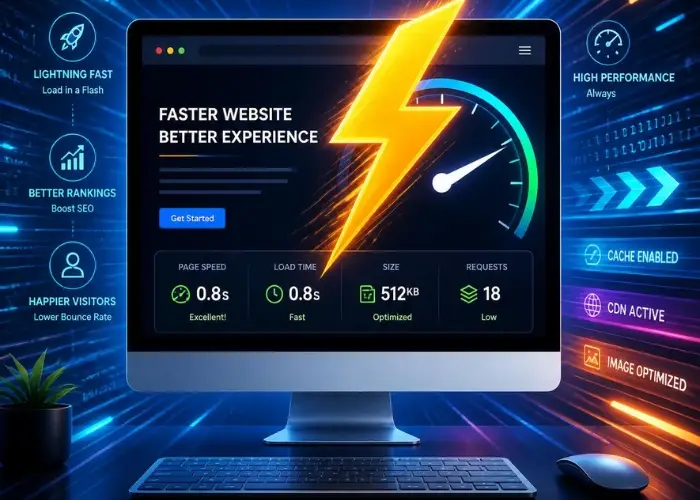
A website can become slower over time, even if it performed well when it was first launched. New plugins, larger images, third-party tools, design changes, tracking scripts, outdated software, and growing database data can gradually affect performance.
In some cases, the problem starts with the website’s hosting environment. In others, a heavy theme, page builder configuration, or poorly optimized code creates unnecessary work for the browser and server.
Common causes of a slow website include:
The first step in a successful slow website fix is determining which of these issues actually affects your website. Removing plugins or changing settings without proper testing can create new problems, including broken layouts, missing functionality, or website errors.
At WevTEC, we review the site before making significant changes and take appropriate precautions before optimization work begins.
Our approach to website speed optimization is based on identifying problems, making controlled improvements, and testing the results.
We begin by reviewing your website’s current condition. This may include page speed testing, Core Web Vitals data, server response behavior, page size, requests, and the loading of important resources.
We also consider the type of website you operate. An eCommerce store, healthcare website, service business website, and content-heavy WordPress site may have different performance requirements.
Next, we investigate what is creating unnecessary delays. This could involve images, scripts, plugins, themes, caching, the database, hosting environment, or other technical factors.
Instead of treating every warning in a testing tool as equally important, we prioritize issues based on their potential impact and technical relevance.
Before major changes are made, we determine the safest approach for your website. When appropriate, we recommend backups, staging environments, and testing procedures to reduce the risk of disrupting important functionality.
Our team applies the appropriate improvements based on the findings. This may include image optimization, caching improvements, code optimization, reducing unnecessary resources, database cleanup, plugin review, or other technical adjustments.
Speed improvements should not come at the cost of a broken website. After changes are made, important areas such as pages, forms, menus, mobile layouts, checkout functions, and other critical features should be checked.
We compare performance after optimization and review the remaining opportunities for improvement. If a website has limitations caused by its hosting environment, theme architecture, or third-party services, we explain those limitations and recommend the next steps.
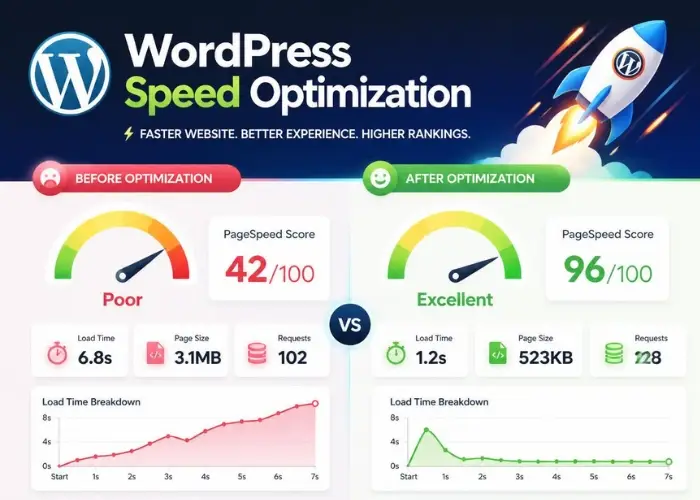
Core Web Vitals are performance and user experience metrics that help evaluate how users experience the loading, visual stability, and responsiveness of a webpage.
Our Core Web Vitals optimization services focus on the technical issues that may contribute to poor page experience.
LCP relates to how quickly the main visible content of a page loads. Large images, slow server response times, render-blocking resources, and inefficient page loading can contribute to LCP problems.
We investigate the resources affecting important visible content and look for opportunities to improve how the page loads.
CLS measures unexpected visual movement while a page is loading. For example, text or buttons may shift when an image, advertisement, font, or other element loads without enough space being reserved.
We review common causes of layout movement and make appropriate adjustments to improve visual stability.
INP relates to how responsive a webpage feels when users interact with it. Heavy JavaScript, long processing tasks, and inefficient scripts can delay visual feedback after a user clicks, taps, or types.
Our website performance optimization process can include reviewing scripts and other resources that may be affecting page responsiveness.
Improving these areas requires more than installing a plugin or chasing a perfect score. Each website has its own technical setup, which is why we review the site and recommend changes based on the actual causes of poor performance.
Let us review what may be affecting your LCP, CLS, and INP performance and recommend the right next steps.
WordPress is flexible, but that flexibility can also create performance challenges. Over time, a website may accumulate plugins, page builder features, unused assets, database data, and third-party tools that increase the amount of work required to load each page.
Our WordPress speed optimization services help identify performance issues without assuming that every plugin or theme is the problem.
We may review:
If you want to speed up a WordPress website, the right solution depends on how the site was built and what functionality it needs to preserve.
For example, removing a plugin may improve performance but also break a contact form, booking system, payment feature, or another essential function. We focus on controlled improvements and testing rather than making changes blindly.
A performance testing tool is useful for identifying potential problems, but a single score does not tell the complete story.
A website can receive a high test score while still having usability problems on certain pages. Likewise, some websites may have lower scores because they rely on necessary functionality, third-party tools, or dynamic content.
Our goal is to improve the areas that matter most to your website and visitors, including:
If your website is slow, we can help determine whether the problem is caused by WordPress, hosting, images, code, plugins, server configuration, or a combination of multiple issues.
Request a Website Speed Review
Before and after optimization, we use performance testing data to better understand how your website loads and responds. Tools such as Google PageSpeed Insights, Lighthouse, and GTmetrix can help identify potential technical bottlenecks.
We review relevant areas such as:
Testing helps us identify opportunities, but we do not treat one performance score as the only measure of success. A useful website performance optimization strategy should also consider functionality, stability, and the experience of actual visitors.
For example, an eCommerce website may require payment scripts and dynamic functionality that affect testing results. A healthcare website may rely on forms, scheduling systems, and other third-party integrations. These features should be reviewed carefully rather than removed simply to improve a score.
Different websites develop different performance challenges. Our website speed optimization services can support businesses across a range of website types and platforms.
A service website needs important pages, contact forms, calls to action, and business information to load efficiently. We help identify unnecessary resources and technical issues that may slow down the user journey.
Our WordPress speed optimization service focuses on common issues involving plugins, themes, page builders, caching, images, databases, and server configuration.
Online stores can become resource-heavy because of product images, shopping carts, payment integrations, inventory tools, and third-party applications. We review performance carefully while protecting essential store functionality.
Large content libraries can create challenges involving images, scripts, database growth, and unnecessary page resources. We help improve website performance while keeping important content accessible.
If you have already tried caching plugins, image compression tools, or other fixes without solving the problem, a deeper technical review may be needed. We investigate the underlying causes rather than repeatedly applying the same temporary fixes.
Website optimization does not always end after one round of improvements. A site can slow down again as new pages are added, plugins are installed, themes are updated, images are uploaded, or third-party services change.
Ongoing website support can help monitor and address new performance issues before they become larger problems.
Our ongoing support may include:
If you need broader ongoing support, our website maintenance services can help keep your WordPress website updated, monitored, and maintained alongside performance improvements.
We can investigate the technical setup and identify what may still be affecting performance.
The cost of website speed optimization depends on the condition and complexity of your website.
A smaller WordPress website with a few image, caching, or configuration issues may require less work than a large eCommerce website with extensive plugins, custom code, database problems, and server limitations.
Before recommending a solution, we review the website and determine the likely scope of work. Factors that can affect the project include:
We explain the recommended work so you have a clearer understanding of what needs attention.
If your website takes too long to load, performs poorly on mobile, or has ongoing Core Web Vitals issues, the first step is understanding what is causing the problem.
At WevTEC, we provide website speed optimization, WordPress performance optimization, and slow website repair services for businesses across the United States. Our team reviews your website, identifies relevant technical bottlenecks, and recommends practical improvements based on your site’s actual needs.
You do not have to keep guessing which plugin, setting, image, or server issue is slowing your website down.
Get a professional review and take the next step toward a faster, more efficient website.
A few seconds of delay can make a website feel frustrating and difficult to use. Let our team identify the performance issues affecting your site and recommend the right steps to improve its loading speed and responsiveness.
Start with a website speed review, and our team will help you identify the performance issues affecting your site and determine the right next steps to improve it.
Call or text us — we’ll review your website live and give you a clear plan and a free, no-obligation quote.
We review your site the way Google and AI assistants see it, then send you a written summary of what to fix first. You keep the findings either way.
Prefer to talk? (832) 266-7209
Tell us where to look and we will send you the findings. No cost, no obligation.
We reply within one business day. Prefer to talk? Call (832) 266-7209. We never share your information.