
If your website has been hacked, infected with malware, redirected to spam pages, blacklisted by Google, or suspended by your hosting provider, we provide fast, professional hacked website repair and malware removal services nationwide. Fix Website Issues is a specialized website repair division of WevTEC, serving businesses since 2013 with expert support for WordPress, ecommerce, PHP, custom-coded, and other website platforms. Our Houston-based team removes malware and hidden backdoors, repairs infected files and databases, fixes security vulnerabilities, restores website functionality, and helps protect against repeat attacks. Most repairs are completed the same day, with no deposit required—you pay after your website is restored.
Serving Since 2013 | No Deposit Required | Houston-Based Support | All Platforms & Industries | Affordable Pricing | Pay After the Fix
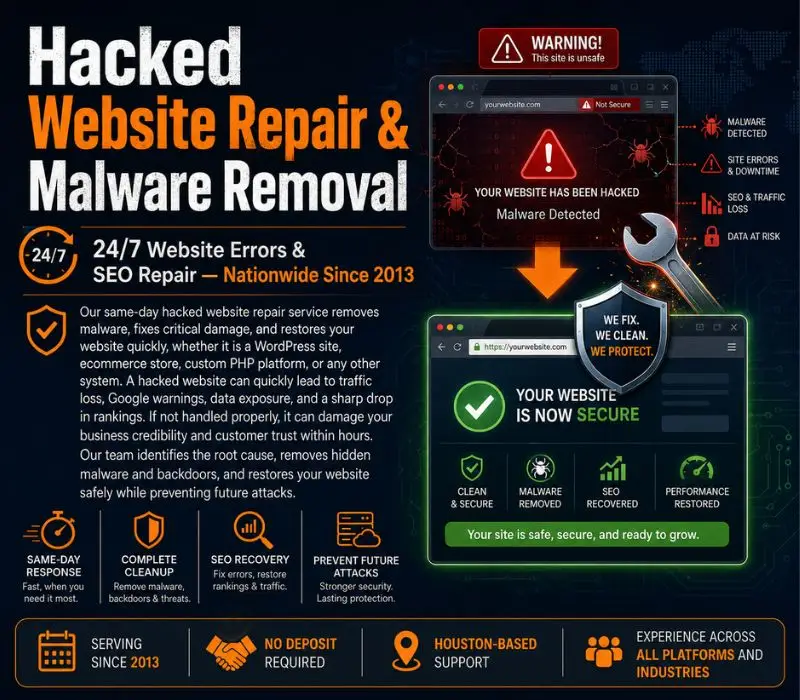
A hacked website rarely looks hacked at first. Most infections we clean start with a small symptom: a strange redirect on mobile, a Google warning, an email from the host, a spike in spam signups, or pages ranking for pharmacy keywords you never wrote. Behind that symptom is usually the same pattern: an outdated plugin, theme, or weak login that let an attacker upload a PHP backdoor, inject code into wp-config.php, .htaccess, theme files, or the database, and then quietly use your site for spam, phishing, or SEO hijacking.
Deleting the visible bad file is not a fix. If a single backdoor survives, the site is reinfected within days, often hours. Below is the exact process our malware removal team follows on every WordPress cleanup, in order, so nothing is missed. Work through the steps one at a time, or use the View all steps link to read the full guide.
Step 1 of 8
Before touching a single file, find out how the site is compromised. Guessing leads to half-cleanups. In 10 minutes you can usually see the shape of the attack.
site:yourdomain.com and look for pharmacy, casino, or foreign-language pages.Write down every symptom. This list is how you will verify the cleanup actually worked in Step 7.
Step 2 of 8
It sounds backwards to back up a hacked site, but you need it. The infected copy is your evidence, your rollback, and your only source for content added since the last clean backup.
wp-content folder, wp-config.php, .htaccess, and a database export via phpMyAdmin or your host's panel.Step 3 of 8
Attackers rarely rely on one way in. While you are cleaning, they may still be logged in. Cut off every access path at once.
wp-config.php. This logs out every session, including the attacker's..htaccess and hosting settings for unauthorized cron jobs and redirect rules.Step 4 of 8
This is where most DIY cleanups fail. Malware scanners catch known signatures; they miss obfuscated backdoors and database injections. Combine automated scanning with manual checks.
wp core verify-checksums via WP-CLI or a plugin like Wordfence).wp-includes, wp-content/uploads, theme functions.php, or index.php.eval(, base64_decode(, gzinflate(, str_rot13(, and long single-line strings.wp_options (siteurl, home, active_plugins, widget entries), wp_posts for injected scripts and iframes, and wp_users for hidden admins.Keep a list of every infected file and table row. You will clean them next and re-verify after.
Step 5 of 8
The rule is replace, do not repair. Editing infected files by hand leaves fragments behind. Fresh copies from the source are always cleaner.
wp-admin and wp-includes entirely and upload fresh copies from WordPress.org for the same version..htaccess from a clean default and inspect wp-config.php line by line.Then run Step 4 again. A clean rescan is the only proof the backdoors are gone.
Step 6 of 8
Cleaning without fixing the entry point is a temporary fix. Check the timeline you built in Step 1 against your access and error logs to find the cause.
DISALLOW_FILE_EDIT.Step 7 of 8
With the site clean and patched, bring it back online, then prove to Google and your host that it is safe.
Step 8 of 8
If any of these steps feel risky, or you have already cleaned the site once and it came back, stop. Every hour a hacked site stays live costs you rankings, customer trust, and sometimes your hosting account. Our Houston-based team has been removing malware and backdoors from WordPress sites since 2013, and most cleanups are finished the same day.
Pay After Your Site Is Restored
Fast Emergency Malware Cleanup
Malware + Hidden Backdoors Removed
Vulnerabilities Fixed & Protected
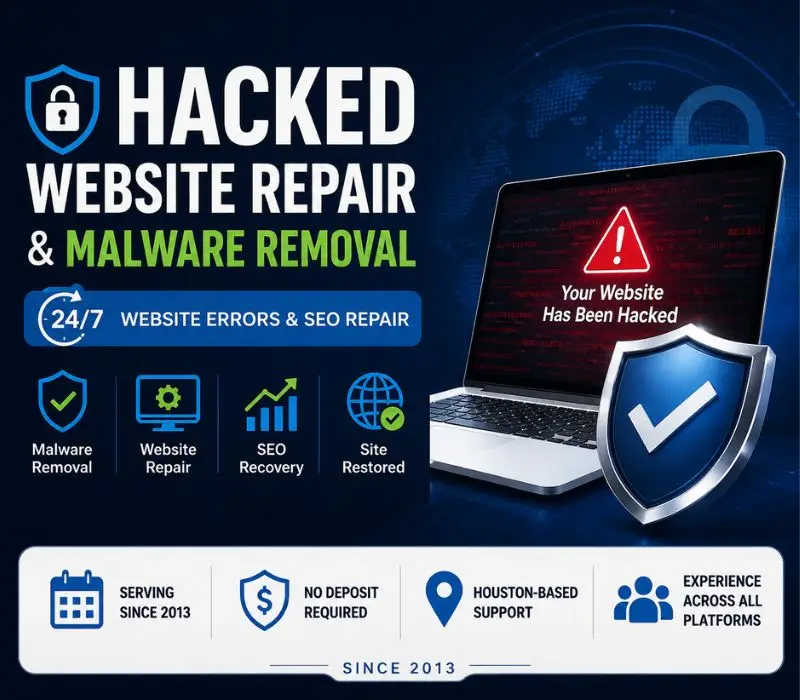
If you notice any of the following, your website may already be compromised:
Early detection is critical. Ignoring these signs can lead to long-term SEO damage and loss of business opportunities. From New York and Los Angeles to Chicago, Alabama, and beyond, our Houston, TX–based experts provide nationwide website repair, ensuring your security, protecting your data privacy, and safeguarding your online reputation.
WevTEC Fix Website Issues specializes in same-day hacked website repair, delivering fast malware removal, secure site cleanup, and full website recovery for WordPress, ecommerce, and custom-built platforms. Our repair process identifies the source of the hack, removes hidden backdoors, and restores your website safely.
Operating from Houston, TX, we provide nationwide remote website repair using secure, controlled access—helping businesses prevent SEO penalties, data exposure, and repeat infections while protecting their online reputation. Request Emergency Cleanup
A hacked website can stop your business without warning. Infections cause sudden traffic loss, spam redirects, browser security warnings, search penalties and hosting suspensions. While the malware stays active, it keeps damaging customer trust and can expose sensitive information.
We find out how the hack happened, remove the malware and hidden backdoors, repair the SEO damage and harden the site so the same attack does not work twice.
Most infected sites are cleaned and back online the same day. Pricing depends on how severe the infection is (see the cost question below). You get the price before we start, and you pay after the site is restored.
Hacked website repair requires precision, experience, and speed. Our process is structured to stop active threats immediately while ensuring your website remains secure long after cleanup.
Instant diagnostics of hacked websites
Advanced malware and injected code detection
Deep cleaning of files, databases, and cPanel
Security updates, patching, and hardening
This is a repair service, not a hosting company.
We fix WordPress, PHP, and custom websites, including CMS-based, coded, and framework-driven platforms.
Many website infections operate silently before visible damage appears. Some websites look normal while malicious scripts run in the background.
Sudden traffic drops or unusual traffic spikes
Slow loading times or server resource overuse
Redirects to spam, gambling, or phishing sites
Browser malware warnings (Chrome, Firefox, Safari)
Google Search Console security alerts
Website blacklisting by search engines or vendors
Unauthorized admin users or file changes
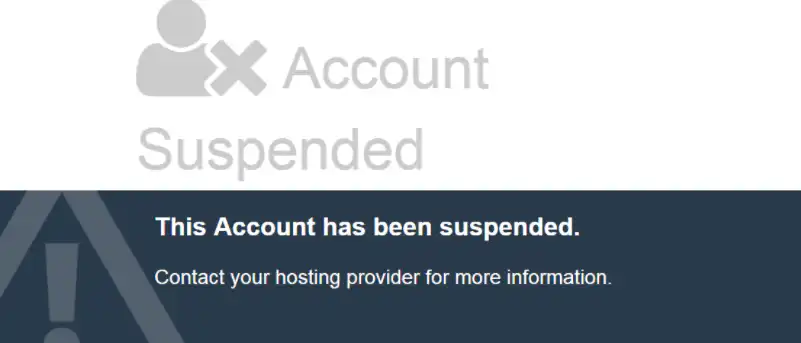
Hosting account suspension notices
If you searched “hacked website repair near me”, these are exactly the problems we fix daily.
Every hour malware stays active increases the damage to your rankings and reputation. Talk to a specialist now.
A hacked website can quickly turn into a business problem. You may see spam redirects, strange pages in Google, browser security warnings, unauthorized users, missing files, or a sudden drop in traffic. In some cases, your hosting company may even suspend the site.
WevTEC Fix Website Issues helps businesses across the USA clean, restore, and secure hacked websites. We work with WordPress, WooCommerce, ecommerce stores, PHP websites, custom-built sites, and other platforms. Our goal is simple: find what happened, remove the threat, get the website working properly again, and close the security gaps that allowed the problem to happen.
Find out how the site was compromised, remove every infected file and backdoor, close the security hole, then get the site off any blacklists. The step-by-step guide at the top of this page walks through all eight steps for WordPress.
If a site keeps getting reinfected after a cleanup, a hidden backdoor or an unpatched vulnerability was almost certainly missed. That is the most common reason we are called in after someone else has tried.
Unexpected redirects are a common sign of a compromised website. A visitor may click your normal website address and suddenly be sent to a gambling site, pharmacy page, phishing page, fake store, or another unrelated domain.
This can happen because of:
Malicious JavaScript
Infected plugins or themes
Modified PHP files
Database injections
Compromised administrator accounts
Hidden server-level malware
Removing the redirect is only part of the job. The source of the infection also needs to be found so the redirect does not return.
Hackers sometimes create pages that the website owner never sees inside the normal website dashboard. These pages may contain gambling terms, pharmaceutical products, foreign-language keywords, fake products, or other spam.
Google can discover and index these URLs, which may result in hundreds or thousands of unwanted pages appearing under your domain.
The cleanup process may involve removing the malicious content, deleting injected code, fixing redirects, cleaning the database, reviewing indexing problems, and checking Google Search Console for security or spam-related issues.
Yes. A hacked website can affect search visibility in several ways.
Malware may create spam pages, redirect visitors, slow down the website, cause downtime, trigger browser warnings, or interfere with Google’s ability to crawl legitimate pages. Search engines may also remove or reduce visibility for pages they believe are unsafe.
After the malware is removed, the SEO damage should be reviewed separately. Hacked URLs, bad redirects, indexing problems, and security warnings can sometimes continue even after the website itself appears normal.
SEO recovery starts with a completely clean website. Once the infection is removed, we look for issues that may still be affecting search visibility.
This can include:
Hacked or spam URLs indexed by Google
Malicious redirects
Deleted or altered pages
Google Search Console security warnings
Incorrect canonical tags
Damaged internal links
Indexing problems
Search traffic drops after the attack
The goal is to return the site to a clean, stable condition and help search engines recognize the legitimate website again.
In many cases, yes.
A hacked website does not automatically need to be rebuilt. Depending on the condition of the site, it may be possible to clean the existing installation, repair damaged files, restore specific components, or use a verified clean backup.
A backup should not be restored blindly. If the backup was created after the website was already infected, restoring it can bring the malware back.
That depends on when the backup was created and how the website was compromised.
A clean backup can be useful, especially if the current website has extensive damage. However, the original security weakness still needs to be fixed. Otherwise, the restored website may be hacked again.
In many situations, the best approach is to inspect the current site first, identify the infection source, and then decide whether cleanup or restoration is safer.
Yes. Hidden backdoors are one of the main reasons hacked websites become infected again after a basic cleanup.
Backdoors can be placed inside:
WordPress core files
Plugins and themes
Upload folders
PHP files
Database entries
Configuration files
Server directories
We look for unauthorized code and access points that may allow an attacker to return after the visible malware is removed.
Most ecommerce websites can be repaired after a malware infection, depending on the amount of damage.
We can investigate problems such as:
Checkout pages behaving incorrectly
Malicious scripts
Spam redirects
Compromised administrator accounts
Infected product or database content
Suspicious files
Website or hosting suspensions
Because ecommerce websites may handle customer information and payment-related functions, the site should be carefully tested after cleanup.
Many common website infections can be diagnosed and repaired the same day. The exact time depends on the size of the website, the type of malware, the hosting environment, and how deeply the infection has spread.
A small WordPress infection may be resolved relatively quickly. A large ecommerce site, multiple infected websites under one hosting account, or server-level malware may require more work.
The cost depends on the website and the type of infection.
Factors can include:
Website platform
Number of infected files
Database involvement
Server access
Multiple infected websites
Hosting suspension
SEO spam damage
Whether previous cleanup attempts were unsuccessful
At WevTEC Fix Website Issues, we first review the problem so you know what needs to be repaired before moving forward.
Simpler infections usually fall in our single-fix range of to 0. Severe infections with database damage usually cost 0 to 0. You pay after the site is restored.
In many cases, yes.
If the necessary website and hosting access is available, our team can begin diagnosing the problem quickly. Many WordPress malware infections can be cleaned and restored the same day, although heavily compromised sites may require additional work.
Website repair is commonly performed remotely because the files, database, hosting account, and server are already online.
We use the access needed to diagnose and repair the issue, and credentials should be updated after the work is completed. For sensitive websites, access should always be limited to what is necessary for the repair.
There is no single setting that prevents every future attack, but good security practices can greatly reduce risk.
After cleanup, we may recommend:
Updating WordPress, plugins, themes, or other software
Removing unused plugins or extensions
Changing administrator and hosting passwords
Reviewing user accounts
Correcting file permissions
Securing vulnerable forms or scripts
Maintaining regular backups
Adding appropriate firewall or security protection
Monitoring the website for suspicious changes
The important part is fixing the original vulnerability, not just removing the visible malware.
WevTEC Fix Website Issues provides hacked website repair, malware removal, WordPress cleanup, ecommerce repair, security recovery, and SEO cleanup for businesses nationwide.
We are Houston-based and have been helping businesses with website repair since 2013. We work remotely with clients across the USA and support WordPress, WooCommerce, PHP, ecommerce, and custom website platforms.
If your website is redirecting visitors, showing security warnings, displaying strange Google results, losing traffic, or has been suspended by your hosting company, early diagnosis can help limit further damage.
Same-Day Service Available | No Deposit Required | Houston-Based Support | Nationwide Website Repair
Call WevTEC Fix Website Issues: (832) 266-7209
Fast Malware Removal. Nationwide Support.
We repair and restore all types of hacked websites and malware infections:
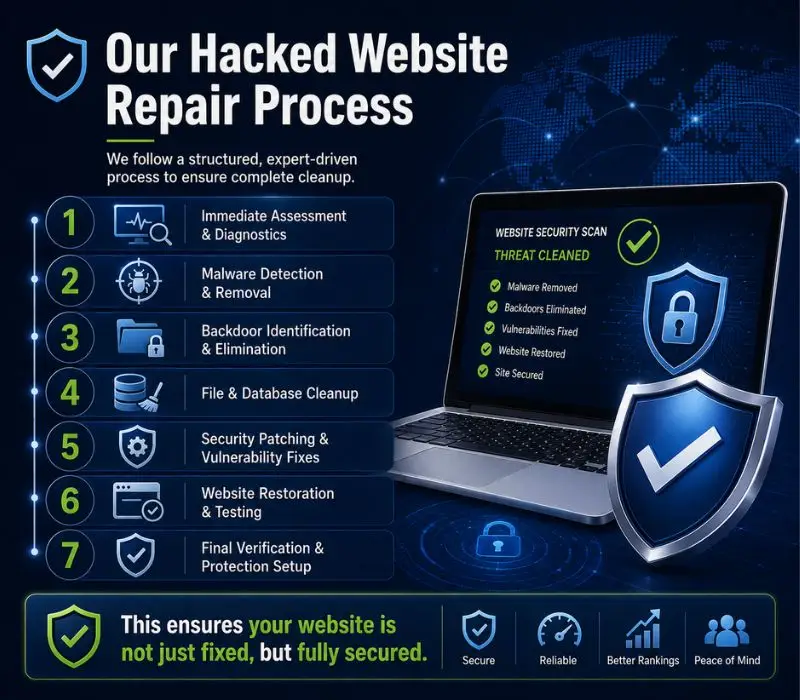
We follow a structured, expert-driven process to ensure complete cleanup:
This ensures your website is not just fixed, but fully secured.
Every hacked website repair we perform follows a structured, transparent, and verifiable process designed for complete recovery. We do not rely on automated one-click tools that often leave hidden backdoors behind. As a trusted hacked website repair provider, we focus on accurate diagnosis, complete malware removal, and long-term protection. Our process is built to make sure your website is fully cleaned, secured, and restored.
We analyze server logs, website files, and databases to identify suspicious activity, entry points, and the full scope of the infection.
Case: Houston business website recovered after identifying hidden malware entry points.
Advanced scans detect injected scripts, malicious files, obfuscated code, and unauthorized uploads.
Case: Dallas ecommerce site cleaned after detecting deep malware injections affecting checkout pages.
Hidden access points and unauthorized file injections are identified and removed to prevent reinfection.
Case: Los Angeles corporate website secured after removing multiple hidden backdoors.
All infected files and database entries are cleaned or replaced with verified safe versions.
Case: Miami clinic website restored after database-level malware cleanup.
Outdated plugins, themes, CMS files, and scripts are updated or removed to eliminate security gaps, especially critical for WordPress hacked website repair.
Case: Alabama WordPress website repaired after patching outdated plugins causing repeated hacks.
Admin, FTP, hosting, database, and API credentials are secured and reset to block unauthorized access.
Case: California business website protected after compromised admin credentials were reset.
File permissions, firewall rules, access controls, and monitoring systems are configured for long-term protection.
Case: Houston ecommerce platform secured with firewall and access control setup after repeated attacks.
If required, clean backups are restored only after thorough verification to avoid reinfection.
Case: Dallas website safely restored using verified clean backups after full malware removal.
We confirm complete cleanup and provide a detailed report with security recommendations.
Case: Miami business received full security report and achieved stable website performance post-recovery.
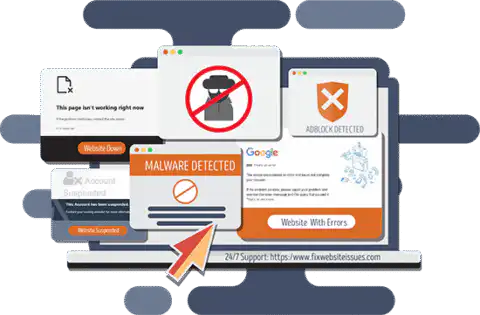
Dental website redirecting visitors to spam due to an outdated plugin. Full WordPress malware cleanup and SEO recovery completed.
Professional website blacklisted after phishing pages were injected. Files cleaned, permissions repaired, indexing restored.
E-commerce site defaced with malicious scripts. Secure backup restoration and checkout hardening performed.
Corporate site hit with large-scale SEO spam injection. Spam URLs removed and search visibility recovered.
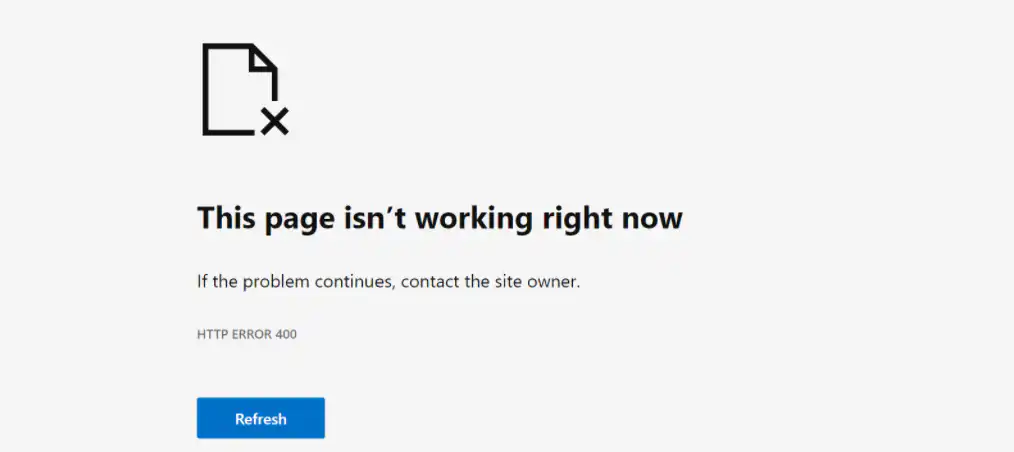
The usual first signs are a Chrome or Google security warning, visitors being sent to another site, admin users you don’t recognize, or a suspension notice from your host. If you see any of these, send us your website address. We check the site and tell you what we found and what the cleanup involves before we change anything.
Most infected sites are back online the same day.
When malware remains active, search engines may blacklist your domain, browsers may show security warnings, and hosting providers may suspend your account. Infections can silently spread to visitors, inject SEO spam, steal credentials, or create hidden backdoors for repeat attacks.
Fast intervention limits:
Our emergency repair protocol isolates the threat, removes active malware, secures vulnerabilities, and restores clean functionality — often within the same day depending on severity. Call us at +1-8322667209 or email us at info@fixwebsiteissues.com for asap support.

Yes. FixWebsiteIssues.com provides same-day ecommerce website repair and website malware removal for businesses in Miami, FL. Ecommerce websites are frequent targets due to payment gateways, customer data, and plugins. We repair issues such as hacked checkout pages, malicious scripts, spam redirects, database infections, and admin access compromise.
All ecommerce website repairs are performed remotely using secure server-level access, allowing us to respond quickly and restore your online store safely.
Yes. We provide hacked website repair and malware removal services across California for healthcare clinics, law firms, and professional service websites. These websites often contain sensitive data and require careful cleanup.
Our process includes malware removal, backdoor cleanup, access security, and website hardening to prevent reinfection, while maintaining compliance-focused security standards.
Yes. FixWebsiteIssues.com specializes in WordPress hacked repair for businesses in Georgia and nationwide. WordPress hacks often occur due to outdated plugins, themes, or weak credentials.
We clean infected files and databases, remove malicious plugins, repair WordPress core files, and apply security hardening to prevent future attacks.
No. Website malware removal and hacked website repair are performed remotely at the server and application level. This allows us to fix hacked websites near you or anywhere in the United States without requiring an in-person visit.
Remote repair enables faster response times and same-day service in many cases.
Website repair does not require physical access. From Houston, our team securely connects to your hosting environment using encrypted credentials provided by you or your hosting provider.
Once access is established, we diagnose the infection, remove malware and backdoors, secure vulnerabilities, and restore your website—whether your business is in Miami, California, Georgia, or any other state.
We repair hacked websites across multiple industries, including ecommerce, healthcare, legal services, real estate, construction, professional services, and corporate websites. Each industry faces different risks, and our repair process is adjusted accordingly to ensure security and stability.
To begin hacked website repair, we typically require your website URL, hosting or server access (such as cPanel or FTP), CMS admin access (WordPress or similar), and any security warnings or hosting notices you have received. We review this information first and explain the repair plan before starting any work.
Yes. Ecommerce website errors repair includes fixing checkout failures, payment gateway disruptions, malicious scripts, and database corruption caused by malware. After cleanup, we verify that cart, checkout, and payment processes function securely.
Yes. Remote website malware removal is the industry standard and is safe when performed using secure access protocols. We use controlled access, limited permissions, and do not request passwords through unsecured channels.
In most cases, diagnostics can begin immediately after access is provided. Many hacked website repairs, including WordPress hacked repair and ecommerce malware cleanup, are completed the same day depending on the severity of the infection.
Our Houston-based team repairs hacked websites remotely for businesses anywhere in the United States. We diagnose, clean, restore and secure hacked WordPress, ecommerce, PHP and custom websites without an on-site visit. We also have pages for hacked website repair in Houston, Dallas, Austin, Fort Worth, Miami, Chicago, Los Angeles, Phoenix and Virginia.
Call or text now for an immediate diagnosis. We back up your site before any change and restore it safely.
Or request an online consultation — we reply fast.
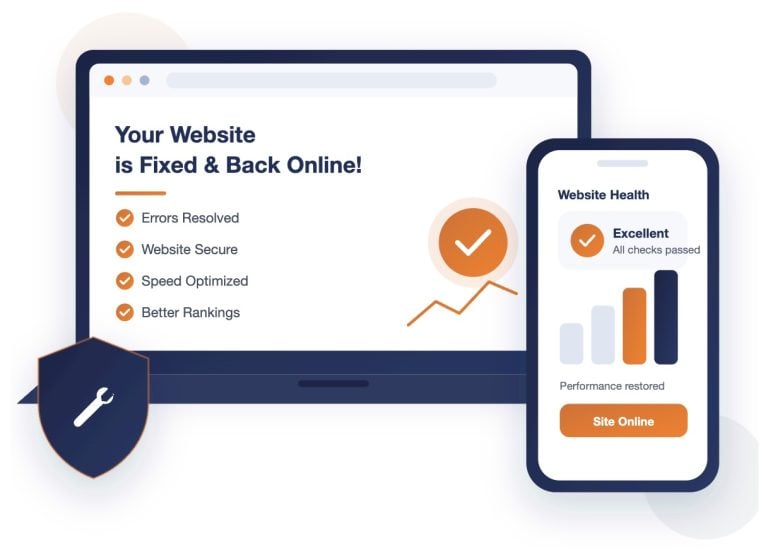
We review your site the way Google and AI assistants see it, then send you a written summary of what to fix first. You keep the findings either way.
Prefer to talk? (832) 266-7209
Tell us where to look and we will send you the findings. No cost, no obligation.
We reply within one business day. Prefer to talk? Call (832) 266-7209. We never share your information.